Published October 24, 2026 at 11:29 PM EDT
Neural4D has launched a new feature called Multicolor, which converts AI-generated 3D models into multicolor 3MF files. The tool is designed to simplify the process of preparing textured models for multi-material 3D printing. It addresses a common challenge in the 3D printing workflow: translating digital textures into physical color variations. By leveraging AI, the feature automates what was previously a time-consuming and labor-intensive task.
The feature uses AI to analyze a model’s PBR texture and identify distinct color regions. It then proposes a filament color scheme and exports the model in a format that can be used by slicing software. The default output is 3MF, with GLB as an alternative. This process allows users to bypass manual color assignment, which often involves splitting the model or painting faces in a separate tool. The AI-driven approach streamlines the workflow and reduces the need for extensive post-processing.
Neural4D introduces Multicolor, a tool that converts AI-generated 3D models into multicolor 3MF files for easier printing.
Neural4D Launches Multicolor for AI-Generated Models
Multicolor is currently limited to models generated within Neural4D’s platform. Users cannot upload their own files, which restricts its use to projects created using the company’s text-to-3D generator. This limitation means that the tool is not a general-purpose solution for all 3D models. Instead, it is tailored to users who already work within the Neural4D ecosystem. The restriction to internal models ensures compatibility but limits the tool’s broader applicability.
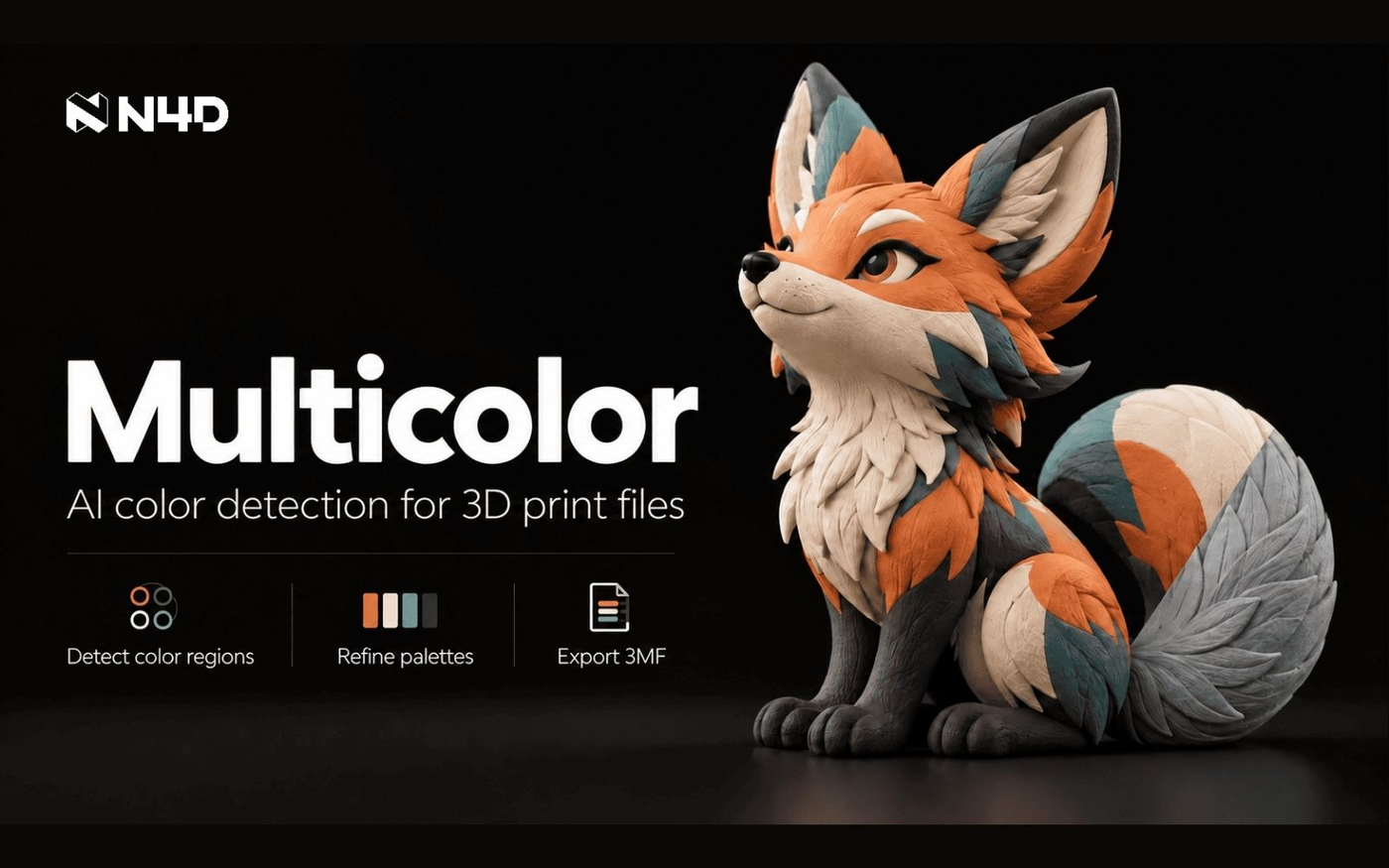
The tool is aimed at reducing the manual effort required to assign colors to 3D models before printing. Instead of manually painting faces or splitting the model in a separate tool, users can rely on AI to generate a color scheme. This automation is particularly useful for models with complex textures or frequent color changes. The AI identifies regions that should be printed in a single filament color, replacing the need for manual color assignment in the slicer.
How Multicolor Transforms Textured Models into Print-Ready Files
The process involves region detection, where AI identifies areas that should be printed in a single filament color. This step replaces the need for manual color assignment in the slicer. The AI analyzes the PBR texture of the model and segments it into regions based on color. This segmentation is crucial for ensuring that the final print accurately reflects the original design’s color scheme. The tool’s ability to detect and group color regions efficiently saves users significant time.
A mode called Smart Color provides a default four-color scheme based on the detected regions. Users can also save and reuse custom palettes of one to eight colors across models and sessions. This feature allows users to maintain consistent color schemes across multiple projects. The ability to save and reuse palettes is especially useful for users who frequently work with the same set of filaments. It ensures that color assignments remain uniform and reduces the need for repeated adjustments.
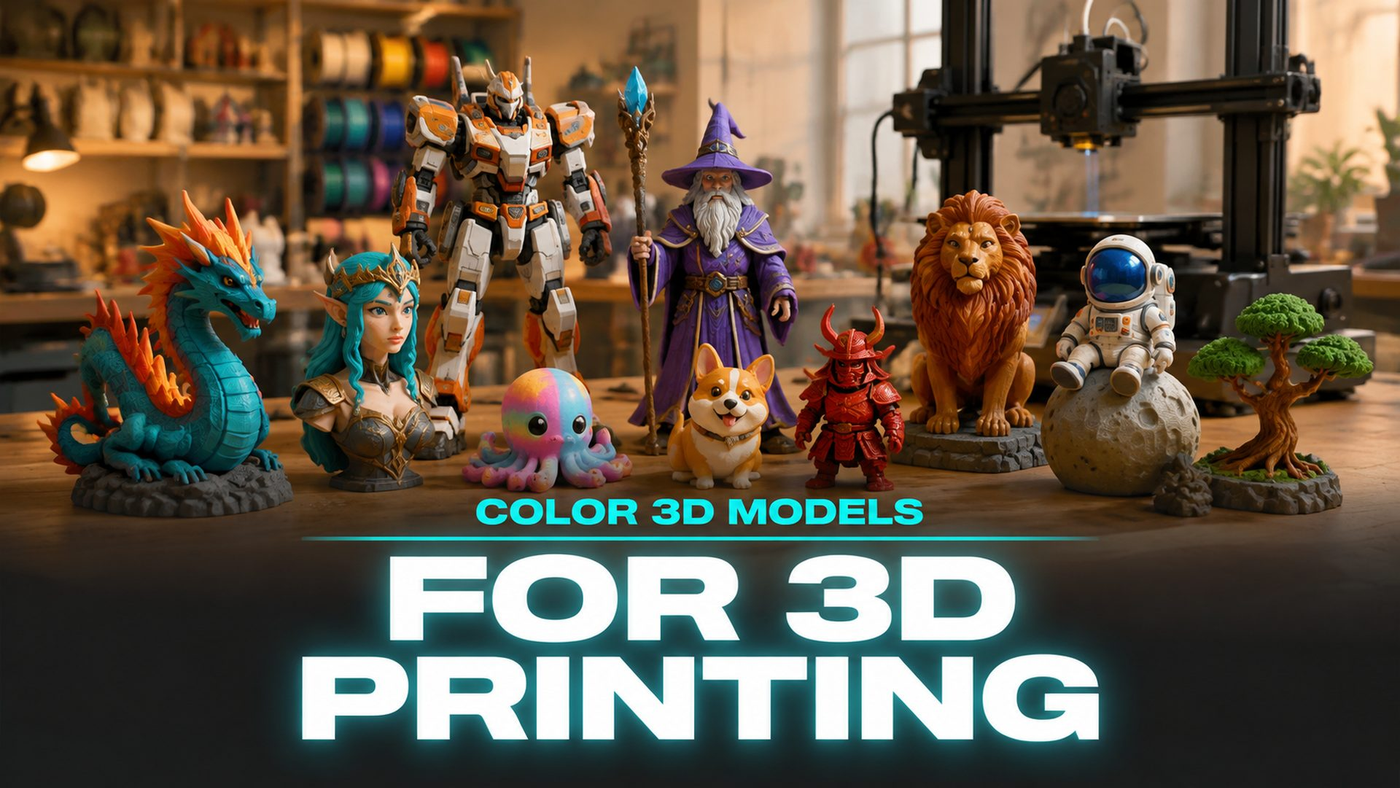
The Multicolor workspace in Neural4D Studio allows users to adjust color assignments and export the model as a 3MF file. This format supports color information, unlike STL, which only stores geometry. The 3MF format is essential for multicolor printing because it retains color data alongside the mesh. This makes it possible for slicing software to interpret and apply the color scheme correctly during the printing process. The GLB format is also available for users who prefer an alternative.
Limitations and Current Scope of the Multicolor Feature
The file format is crucial for multicolor printing. STL does not carry color data, making it unsuitable for projects that require multiple filaments. 3MF and GLB, on the other hand, can store color assignments alongside the mesh. This distinction is important because it determines the compatibility of the model with different 3D printers and slicing software. The choice of file format directly impacts the quality and accuracy of the final print.
The tool is part of a broader effort to streamline the 3D printing workflow for users who generate models using AI. It addresses a common challenge: translating digital textures into physical color variations. By automating the color assignment process, the tool reduces the time and effort required to prepare models for printing. This is particularly beneficial for users who work with complex or detailed models that require precise color mapping.
Despite its benefits, the feature is not a general solution for all 3D models. It is specifically designed for models created within Neural4D’s ecosystem, which limits its applicability to external projects. This restriction means that users who work with models from other sources or platforms cannot benefit from the tool. The focus on internal models ensures that the feature remains compatible with the Neural4D platform but limits its potential for wider adoption.
The Role of File Formats in Multicolor 3D Printing
The introduction of Multicolor highlights the growing integration of AI in 3D printing workflows. It demonstrates how machine learning can automate tasks that were previously time-consuming and labor-intensive. The use of AI in identifying color regions and generating color schemes represents a significant advancement in the field. This integration not only improves efficiency but also opens up new possibilities for automated color mapping in 3D printing.
As the feature is still in its initial release, users should expect further updates and improvements. The focus remains on models generated within Neural4D, with no indication of future support for external file uploads. This suggests that the tool will continue to evolve within the constraints of the Neural4D platform. Users are encouraged to provide feedback and suggestions for future enhancements, which could lead to expanded functionality in the future.
Log in to leave a reply. Every comment is moderated before it appears publicly.