Published October 22, 2026 at 10:05 PM EDT
A new browser-based tool allows users to design 3D-printable parts using plain language, aiming to simplify the process for hobbyists and small workshops.
Constructor AI has launched a free browser test for a tool that lets users describe 3D-printable parts in plain language. The German developer, Michael Bender, is seeking real-world testers to help refine the system. The tool is designed for functional components like brackets and adapters, not for artistic or decorative output. This approach targets a specific niche where traditional CAD software is often seen as too complex for simple tasks. The tool aims to bridge the gap between conceptual ideas and tangible 3D-printable parts without requiring technical expertise.
Users describe a part in natural language and then provide missing dimensions. The system generates geometry and displays it in a 3D viewer. This step-by-step approach ensures that parts meet specific functional requirements, such as proper hole spacing or thread alignment. The process avoids the need for traditional CAD software, which many hobbyists find complex. By focusing on practical applications, the tool simplifies the design process for users who may not have formal training in engineering or design. This makes it particularly appealing for small workshops and DIY enthusiasts.
Testing a New Design Paradigm
The tool is intended for practical use cases, such as modifying existing parts or creating replacements. It supports both ASCII and binary STL files, allowing users to import and edit models. This is particularly useful for small workshops or makers who need to adapt designs for specific applications, like adding mounting holes or adjusting fit tolerances. The ability to modify existing designs without starting from scratch saves time and effort, making the tool a valuable resource for those who need to make quick adjustments to their 3D-printed components.
Constructor AI can also generate G-code from the final model, taking printing parameters and materials into account. This feature streamlines the workflow from design to print, reducing the number of steps required to produce a functional part. The tool is currently available in English and German, with plans to expand language support. This multilingual approach ensures that the tool can reach a broader audience, including users in different regions who may prefer to work in their native language.

How the Tool Works in Practice
Bender emphasized that the tool is not a finished product but a work in progress. He is actively seeking feedback from users who have real-world design challenges. Testers can report issues directly through the platform, helping to identify limitations and improve usability. This open approach aims to ensure the tool meets the needs of its target audience. By involving users early in the development process, Bender hopes to create a tool that is both functional and user-friendly, addressing the specific needs of hobbyists and small-scale manufacturers.
The system’s design process is structured as a question-and-answer loop, which helps users avoid ambiguous or incomplete descriptions. For example, a user might describe a bracket but need to specify the size of the mounting holes. This ensures that the final design is accurate and usable without requiring CAD expertise. The structured approach helps users stay on track and ensures that all necessary details are considered before generating the final model. This method is particularly useful for users who are new to 3D design and may not know where to start.
Early testers have noted that the tool follows a strict workflow, which can be both a benefit and a limitation. While it ensures clarity, it may not accommodate more complex or unconventional designs. Some users have expressed concerns about the potential for misinterpretation when describing mechanical components in natural language. The rigid structure of the tool may not allow for the flexibility needed in more advanced design scenarios, which could limit its appeal to experienced users who require more customization options.
Functional Parts, Not Just Decorative Models
The tool’s ability to handle multiple workpieces and additional components is a key feature for small print farms or workshops. Users can position, rotate, and modify parts within the same interface, making it easier to assemble or adjust designs. This functionality is particularly useful for creating multi-part assemblies or custom fixtures. The ability to work with multiple components simultaneously streamlines the design process, allowing users to create more complex models without having to switch between different tools or interfaces.
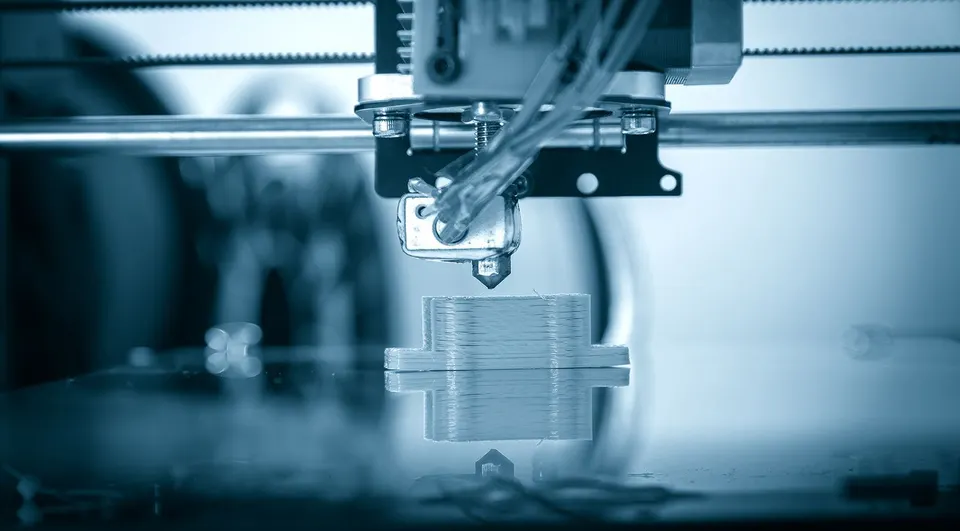
Constructor AI also includes tools for modifying existing STL files, such as adding holes or adjusting geometry. This capability is valuable for users who need to adapt standard designs for specific applications. The system allows for both simple and complex modifications, depending on the user’s input and the tool’s current capabilities. This flexibility makes the tool suitable for a wide range of applications, from simple modifications to more intricate design changes.
The project’s long-term goal is to make 3D printing more accessible by eliminating the need for CAD training. By focusing on functional parts, the tool addresses a common pain point for hobbyists and small-scale manufacturers. It aims to reduce the learning curve associated with traditional design software, making 3D printing more approachable for a wider audience. This goal aligns with the growing trend of democratizing 3D printing, where tools are becoming more user-friendly and accessible to non-experts.
Support for Existing STL Files
Users have expressed mixed reactions to the tool’s approach. Some find the plain-language interface intuitive, while others worry about the potential for miscommunication in describing mechanical components. The tool’s success will depend on how well it balances simplicity with the precision required for functional parts. While the structured approach ensures clarity, it may not always capture the nuances of complex designs, which could lead to inaccuracies in the final output.
Constructor AI is still in the early stages of development, and its full capabilities are not yet clear. However, the free browser test offers an opportunity for users to explore its potential and provide feedback. As the tool evolves, it may become a valuable resource for makers who want to create functional parts without the complexity of traditional CAD systems. The ongoing development and user feedback will be crucial in shaping the future of the tool and ensuring it meets the needs of its target audience.
Log in to leave a reply. Every comment is moderated before it appears publicly.